
01
Verify your source
Check the site address and app source independently before installing. A familiar logo or search result is not proof that a link is trustworthy.
Install and Verify the App ↗Understand the essentials of self-custody: local credentials, offline backups, multi-chain assets and transaction review, with a clear path from setup to everyday use.
Explore the getting-started guide ↗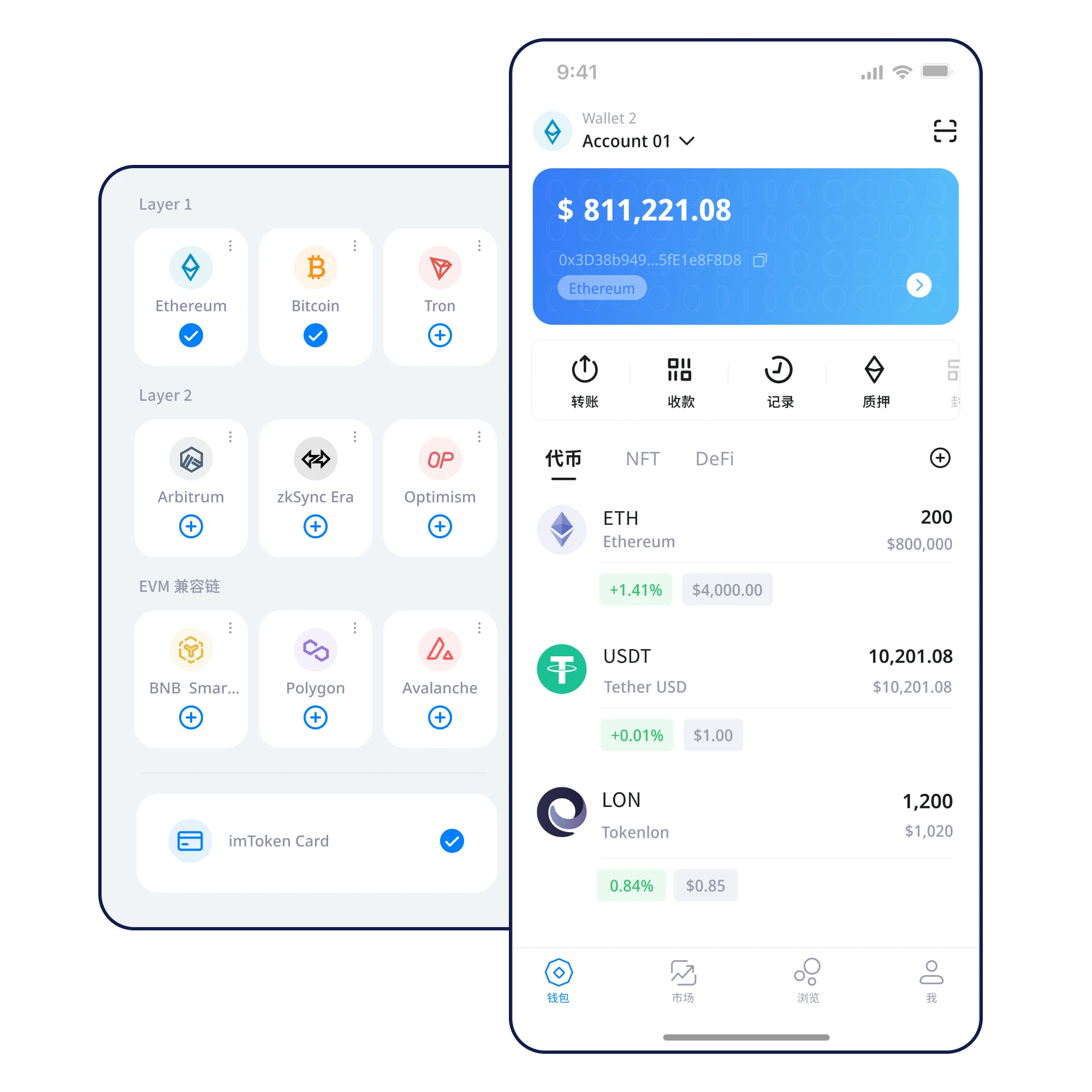
Keep credentials private
Back up before transferring
Verify networks and recipients
Never share recovery phrases
An illustrative wallet overview helps explain balances, networks and security checkpoints. Figures below are fictional interface examples, not real funds or live prices.
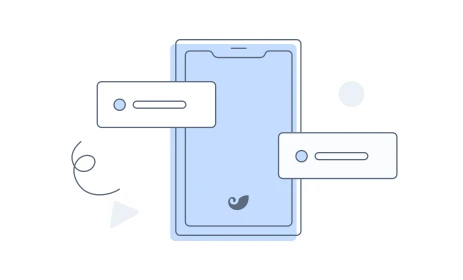
Every step comes with a specific check and a deeper guide.
Check the site address and app source independently before installing. A familiar logo or search result is not proof that a link is trustworthy.
Install and Verify the App ↗Review the difference between a new wallet and an imported wallet. Enable device security and understand who controls the credentials.
Create Your First Wallet ↗Write down every recovery word privately and verify its exact order. Avoid screenshots or any automatic sync to online accounts.
Your First Recovery Phrase Backup ↗Store your backup offline and protect it from loss, damage and access by others. Test the recovery process only in trusted software.
Prepare for Wallet Recovery ↗Understand which network each token belongs to and verify contract information. An asset with the same name may exist on multiple chains.
Manage Multi-Chain Assets ↗Match the address, network, amount, fees and permissions against what you intended. Do not rush signing even when a message appears urgent.
Review Before You Transfer ↗Learn the principles of local key handling, device access controls, offline backups and transaction verification in a self-custody wallet workflow.
Read the full guide ↗
Prepare for wallet recovery with trusted software, a safe environment and a verified backup, while avoiding untrusted sites and support chats asking for secret phrases.
Read the full guide ↗
Use a practical pre-transfer checklist to review the recipient, network, amount, fees and permissions before approving an on-chain transaction.
Read the full guide ↗
Keep control of sensitive credentials and limit who can access them.
Double-check networks, recipients and permissions before signing.
Create reliable backups and understand how they are used.
Navigate directly to the topic that fits your next decision.
Learn how to prepare your device, create a wallet, understand recovery credentials, set up a screen lock and review essential safeguards before receiving assets.
Explore chapter ↗🔁Organize assets across multiple networks, distinguish chains from tokens, and understand why similarly named assets on different networks are not interchangeable.
Explore chapter ↗✅Use a practical pre-transfer checklist to review the recipient, network, amount, fees and permissions before approving an on-chain transaction.
Explore chapter ↗📱Move to a new device with a verified backup, trusted installation and careful checks of restored addresses before retiring or wiping the old device.
Explore chapter ↗🎣Spot common wallet phishing tactics involving lookalike domains, signature prompts, suspicious support messages and requests for secret recovery information.
Explore chapter ↗💾Use a simple offline recovery phrase backup process, verify word order and storage, and avoid screenshots, cloud notes or sharing sensitive credentials.
Explore chapter ↗Lookalike pages, leaked recovery phrases, wrong networks and altered addresses can all cause losses. A checklist is useful, but it is not a guarantee.
With self-custody, the holder controls the relevant keys. Check the actual software implementation before relying on any specific custody claim.
Checking current on-chain balances and broadcasting transactions generally require connectivity. An offline backup does not.
Write it down privately, verify the word order and keep it offline. Avoid screenshots, cloud notes, email and chat messages.
A private key authorizes an account, while a recovery phrase often derives multiple wallet keys. Protect both as sensitive secrets.
Verify the download source, back up your recovery credentials and review every transaction before moving assets.
⬇ Download Now